


Drop a job on someone. Peck does the nagging.
Get them to actually do it.
Force Todo is for the people you actually live and work with — partners, families, business partners. You hand a job over, and Peck keeps at them until it is done.
How it works
- 1
Write it like a note
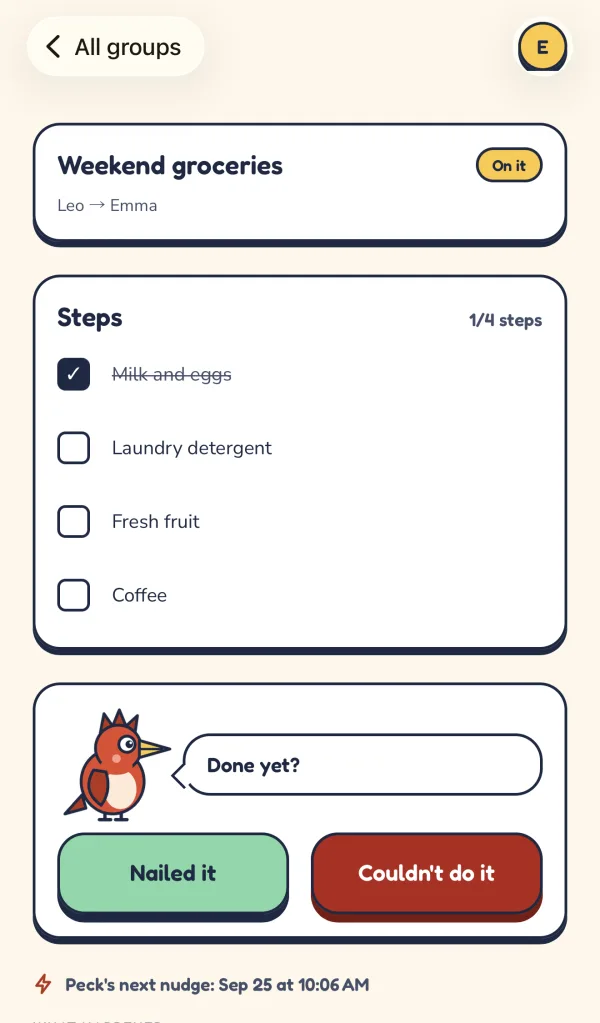
Name the job, then add a line for each step they tick off, so a job is never just one vague sentence.
- 2

Peck won't let go
Reminders get pushier as the deadline closes in, and go quiet during the hours they chose.
- 3

Two honest answers
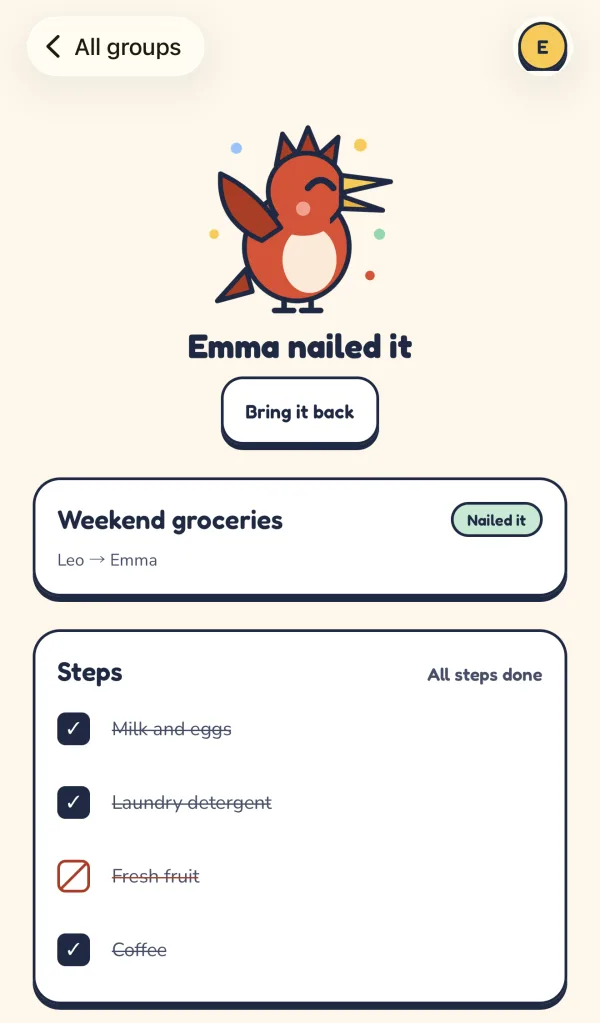
Nailed it, or couldn't do it. Every job closes with a clear answer, and you hear it the moment it comes.

Force Todo on your phone
Peck belongs in your pocket: reminders arrive as notifications, and a job is one tap from done.
 Coming soon to Android
Who it's for
Couples
For the things that fall between two people at home.
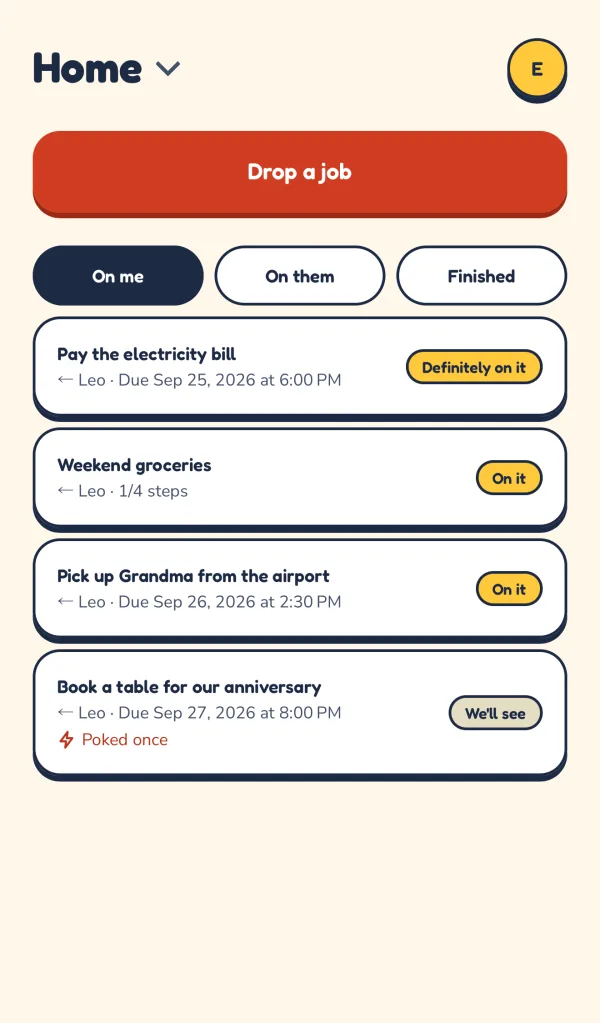
- Pay the electricity bill
- Book a table for our anniversary
Families
Share the load across the whole house: parents, kids, grandparents.
- Pick up Grandma from the airport
- Sign the school trip form
Business partners
Small teams where every job needs one owner and a date.
- Send the invoice to the client
- Renew the domain
Questions
Is it free?
Yes, while it's young. If that ever changes, you'll hear about it before it affects you.
How many groups can I have?
You can create up to 3 groups of your own, and join as many as you're invited to. Deleting one of yours frees its place.
Does the other person need Force Todo too?
Yes, a free account. They join your group with an invite link or a 6-letter code; each invite works once and lasts 7 days. Force Todo works in any browser and on iPhone, and the Android app is on its way.
How does Peck remind people?
With notifications on the phone app: when a job lands, while it waits, and more often as the deadline gets close. Everyone can switch Peck off for a group or set quiet hours; reminders that fall in them wait until they end. Pokes from people still come through.
Who can see my jobs?
Everyone in the group, and nobody else: the job, its steps and how it ended. Members also see each other's names and email addresses.
What if they can't do it?
They say so. Couldn't do it closes a job as clearly as Nailed it, and you hear either way.
How do I delete my account?
From your profile. Your account and everything that is only yours goes; shared groups stay with the other members.